Know when to leave. Know when to get off.
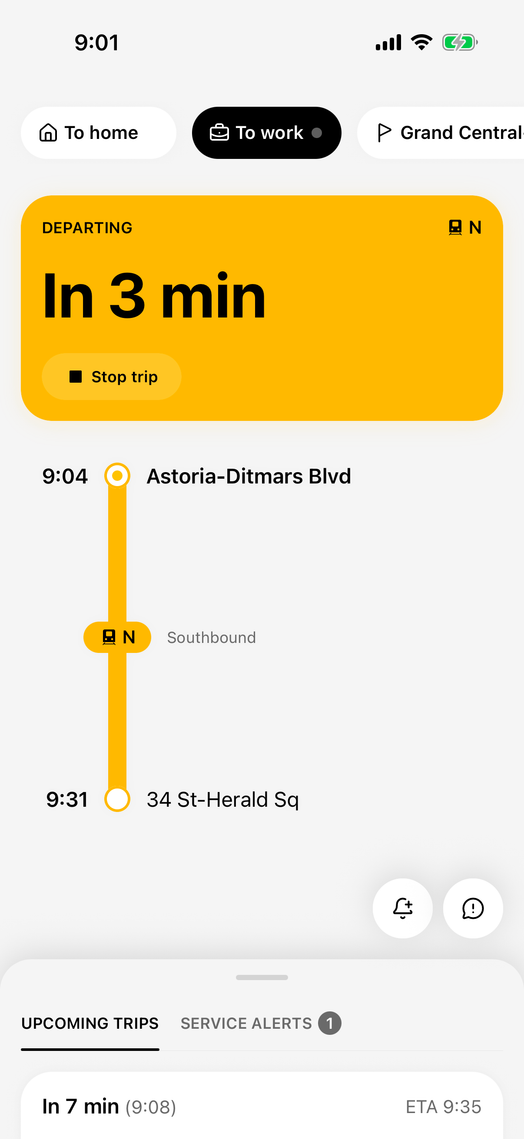
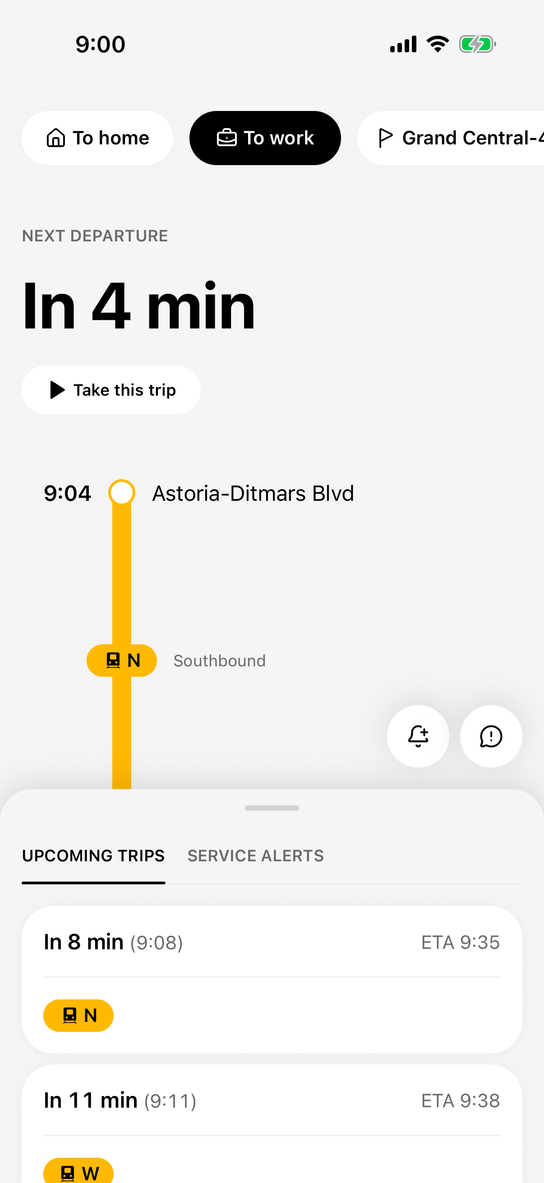
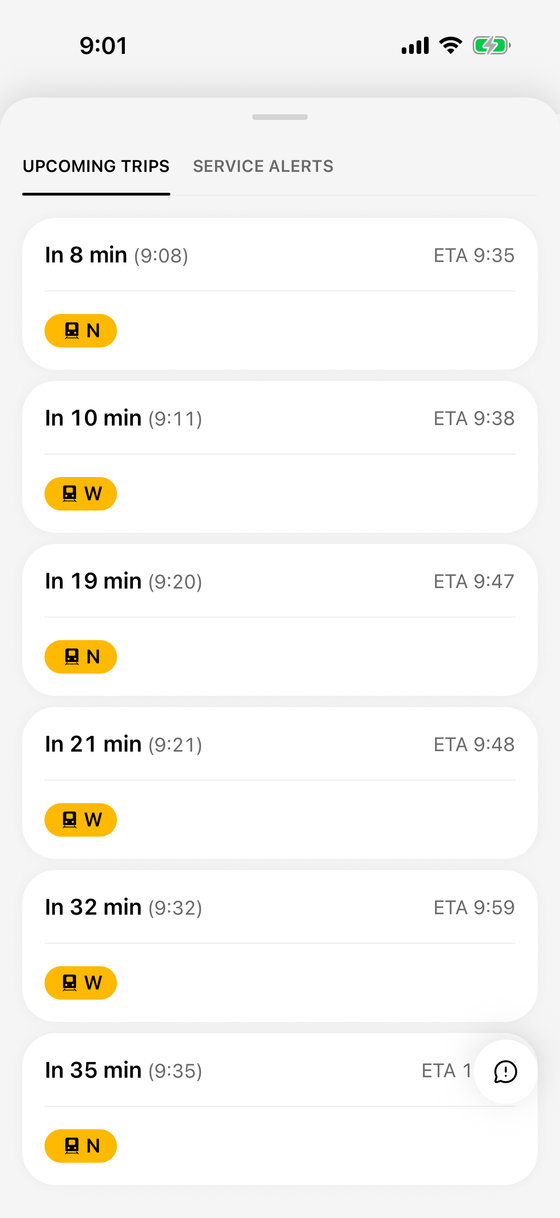
Save the trips you take. Skiffr has your next departures ready when you open it, and follows along to your stop.
One commute, start to finish
A morning on the N, from Astoria-Ditmars Blvd to 34 St-Herald Sq.
- 8:58 AM
Time to head out
A reminder before you need to leave, timed to your arrive-by time.
Example time Time to head out for your work tripnowLeave soon to arrive by 9:30 AM.
- 9:00 AM
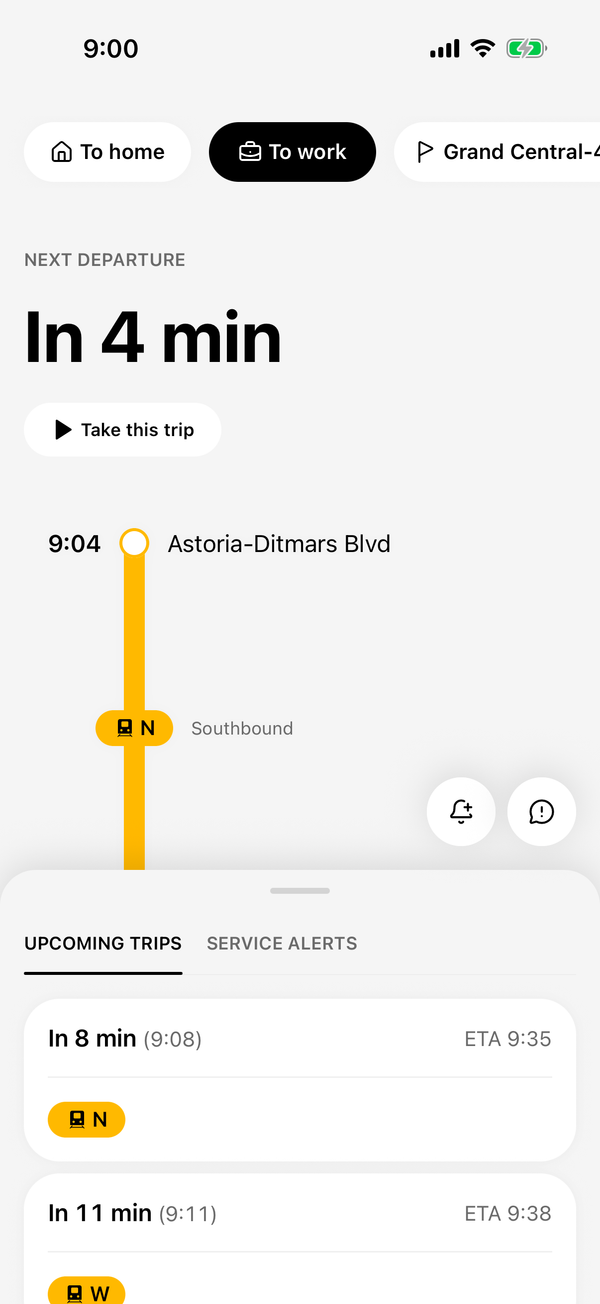
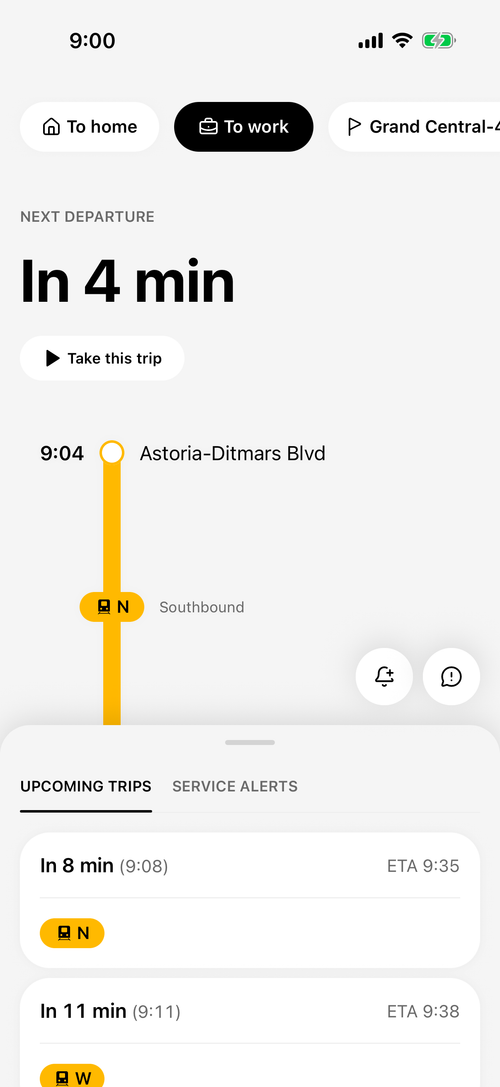
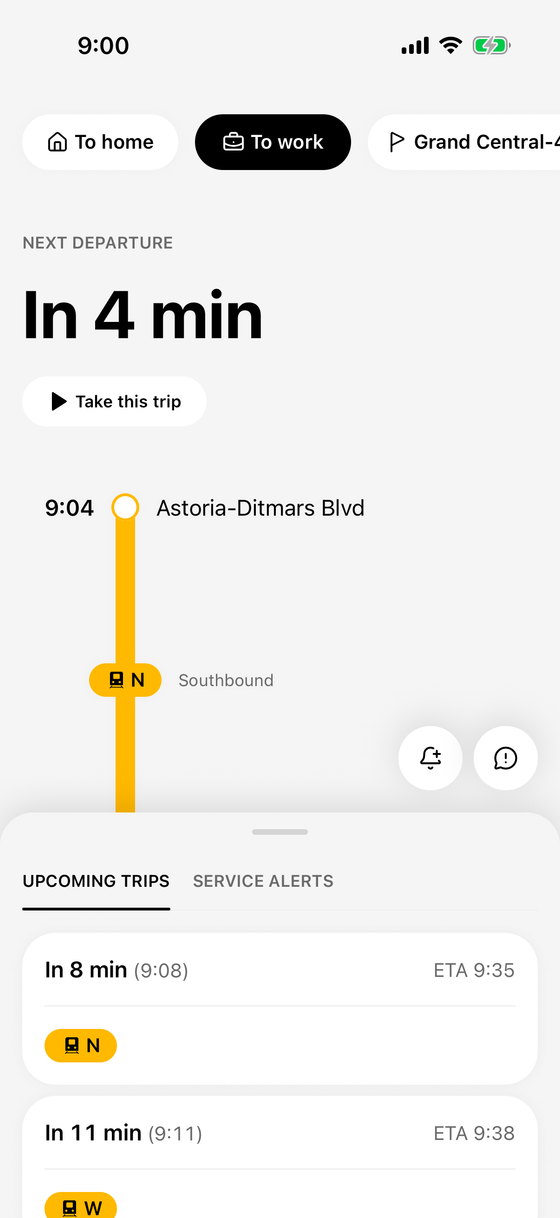
Your next train, ready when you open the app
Open Skiffr and your route's next departure is waiting. Tap "Take this trip" to follow along.
- 9:03 AM
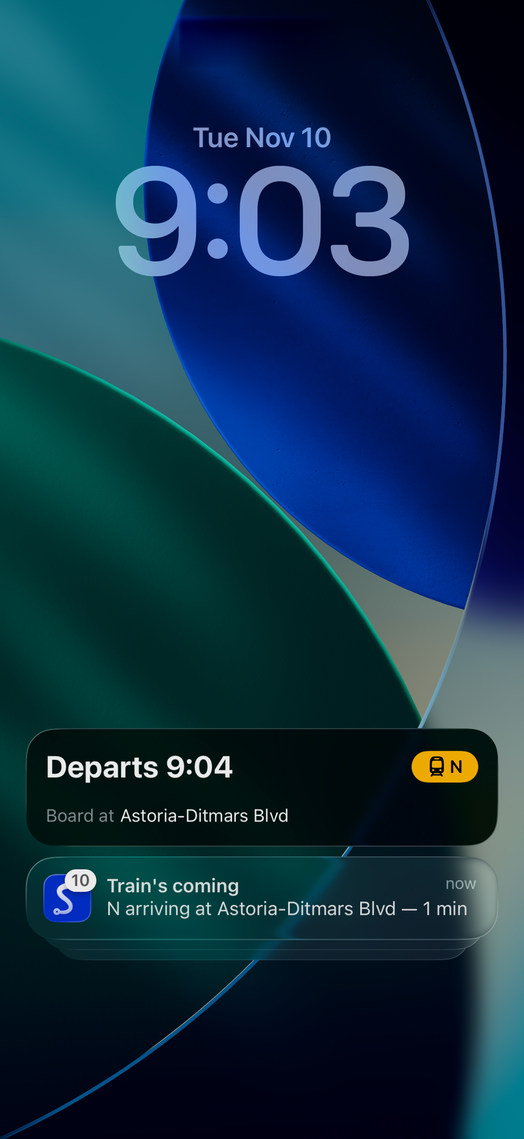
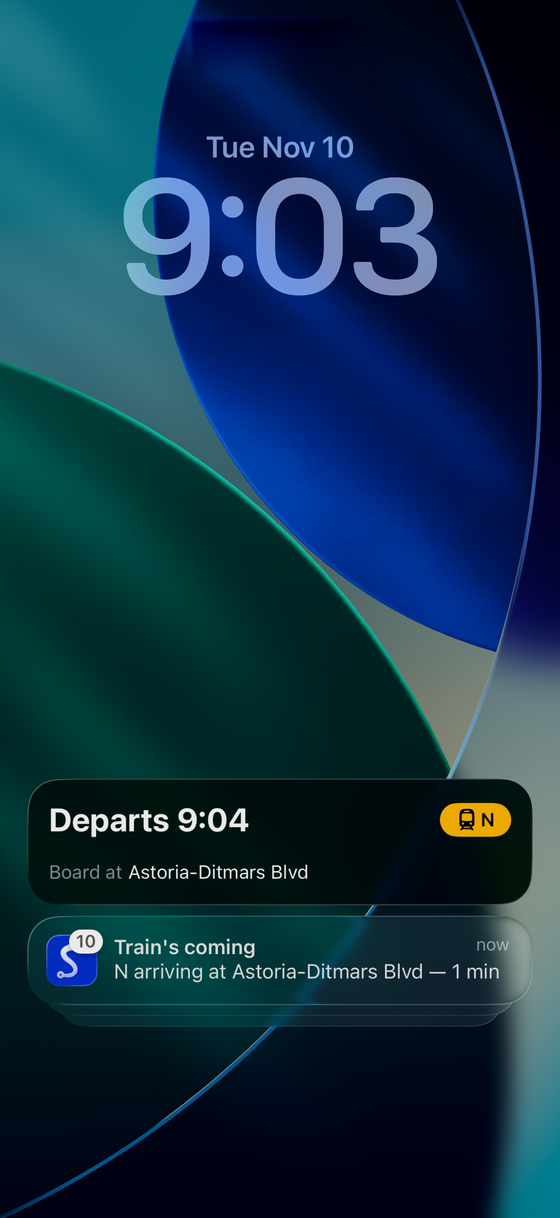
A heads-up as your train gets close
A heads-up as the N pulls in.
Train's comingnowN arriving at Astoria-Ditmars Blvd — 1 min - 9:04 AM
On your lock screen
Your departure stays on the lock screen.
Departs 9:04NBoard atAstoria-Ditmars Blvd - 9:05 AM
Counting down the stops
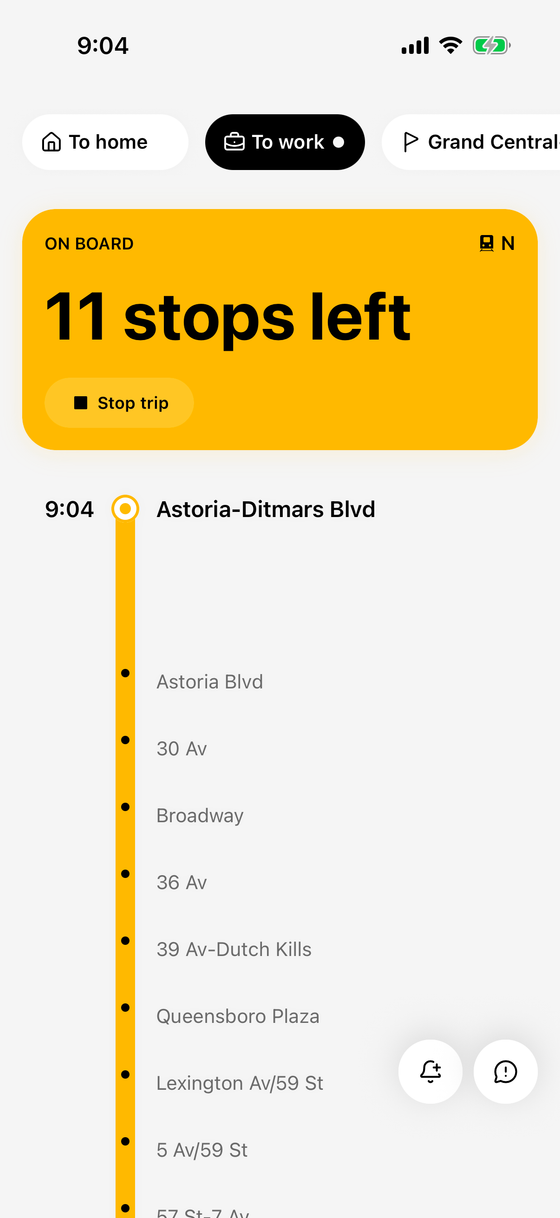
Once you're on board, Skiffr tracks where you are.
10 stops leftNPassingAstoria BlvdGet off at34 St-Herald SqETA9:30 - 9:20 AM
Almost there
Stops left, where to get off and your estimated arrival, at a glance.
3 stops leftNPassing5 Av/59 StGet off at34 St-Herald SqETA9:29 - 9:27 AM
A nudge one stop before
So you're at the door before the doors open.
Get readynowTimes Sq-42 St is next — get ready - 9:29 AM
Your stop
Skiffr lets you know your stop is coming up.
Get off herenowThis is your stop — 34 St-Herald Sq
What Skiffr does
Your commute, ready when you open the app
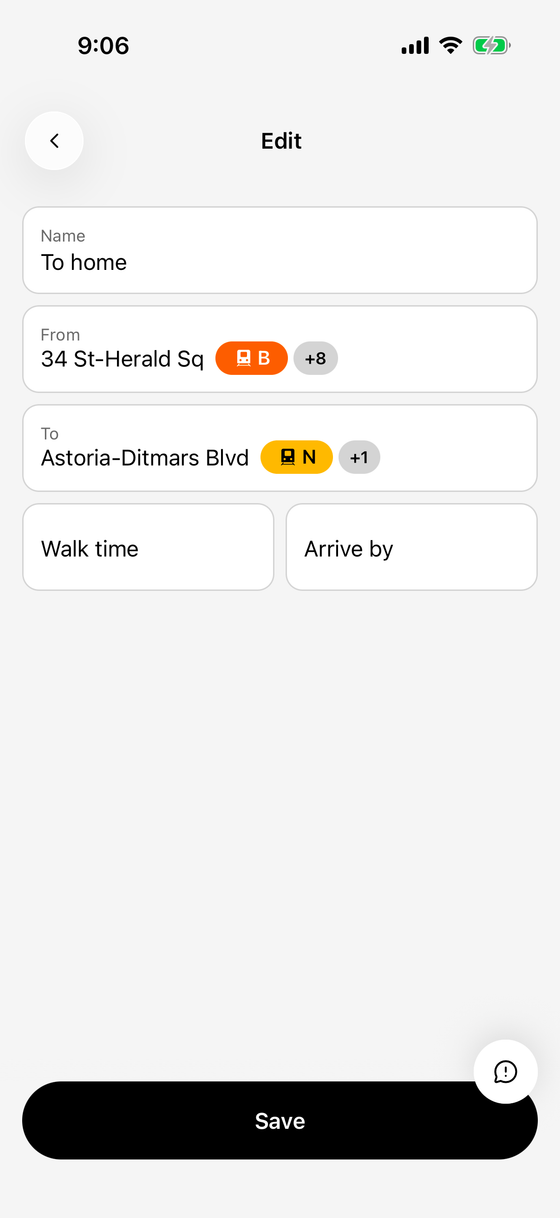
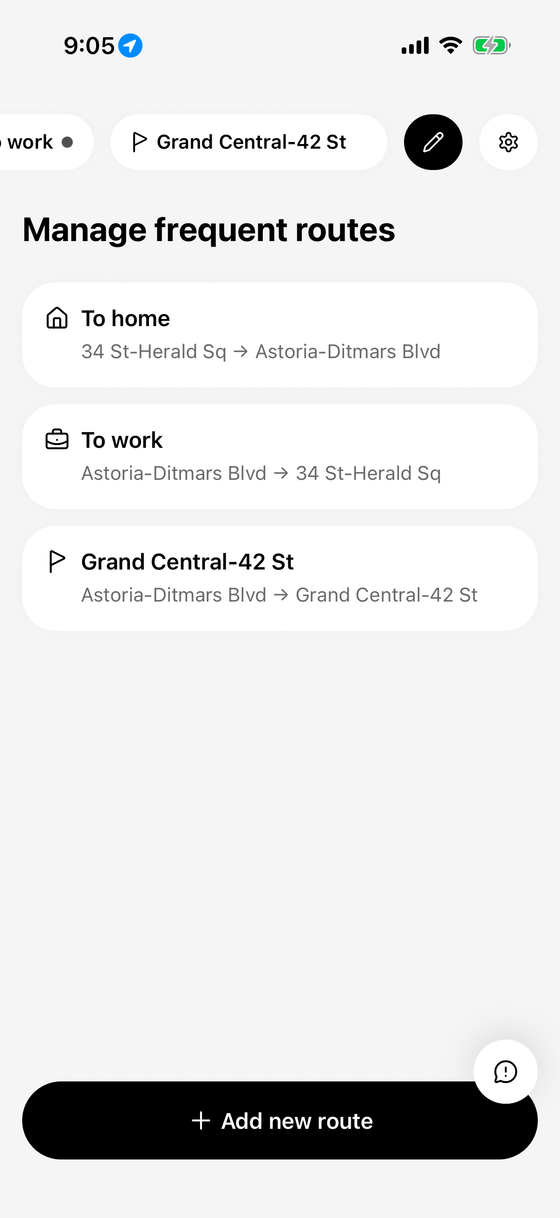
Save the trips you take often. Open Skiffr and your last route's next departures are already loading.
A heads-up before it's time to go
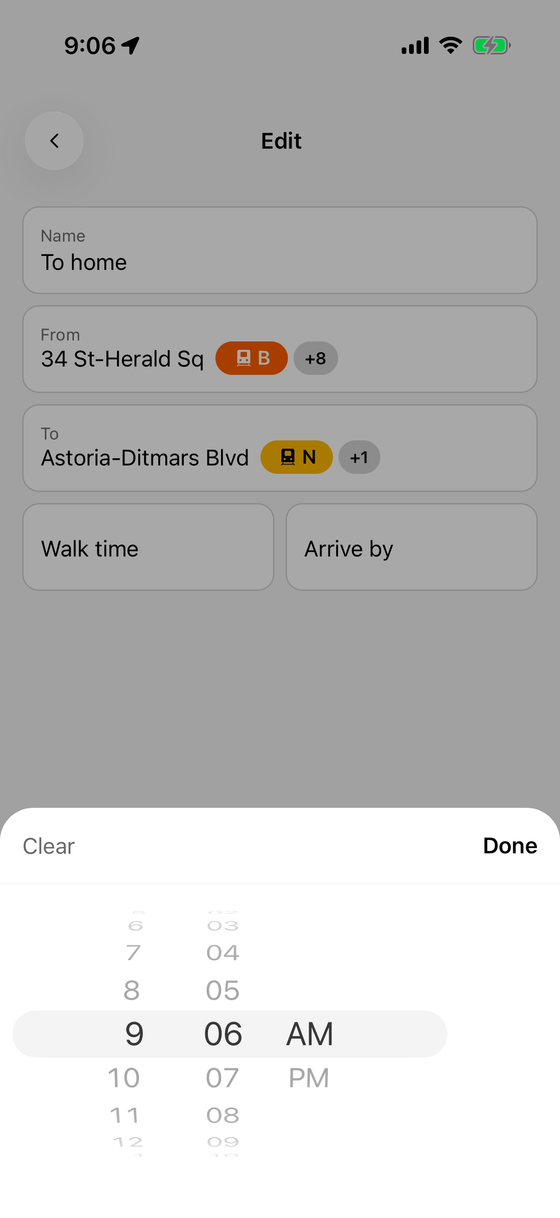
Set an arrive-by time on a subway route and turn on reminders: Skiffr reminds you when to head out, counting the walk time you set.
Know where you are, and when to get off
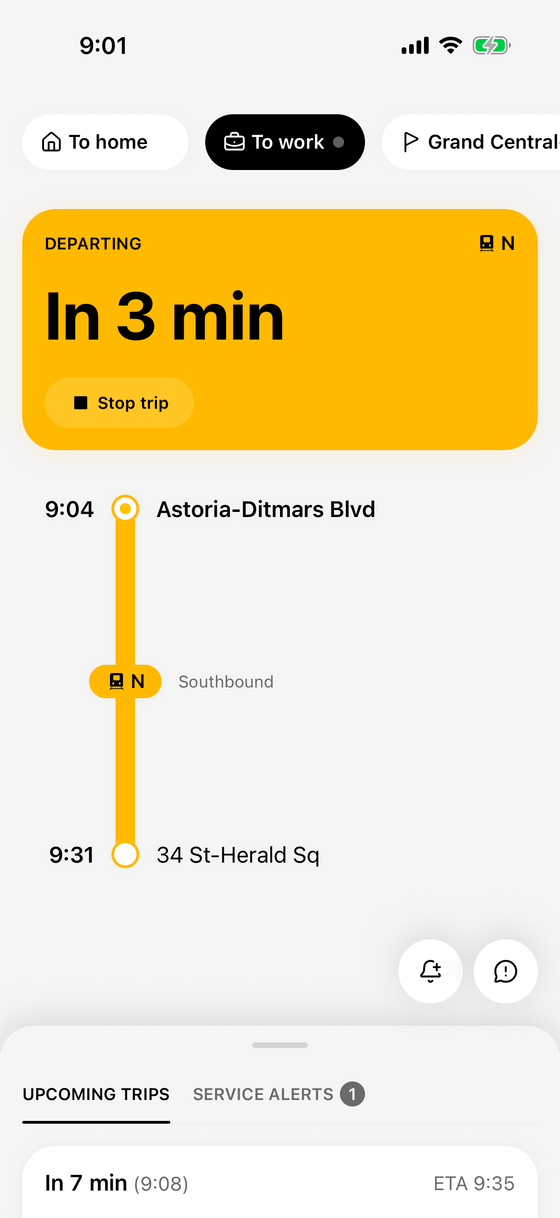
Tap "Take this trip" and follow along from your lock screen: stops left, where to get off, and a nudge one stop before.
Arrive by
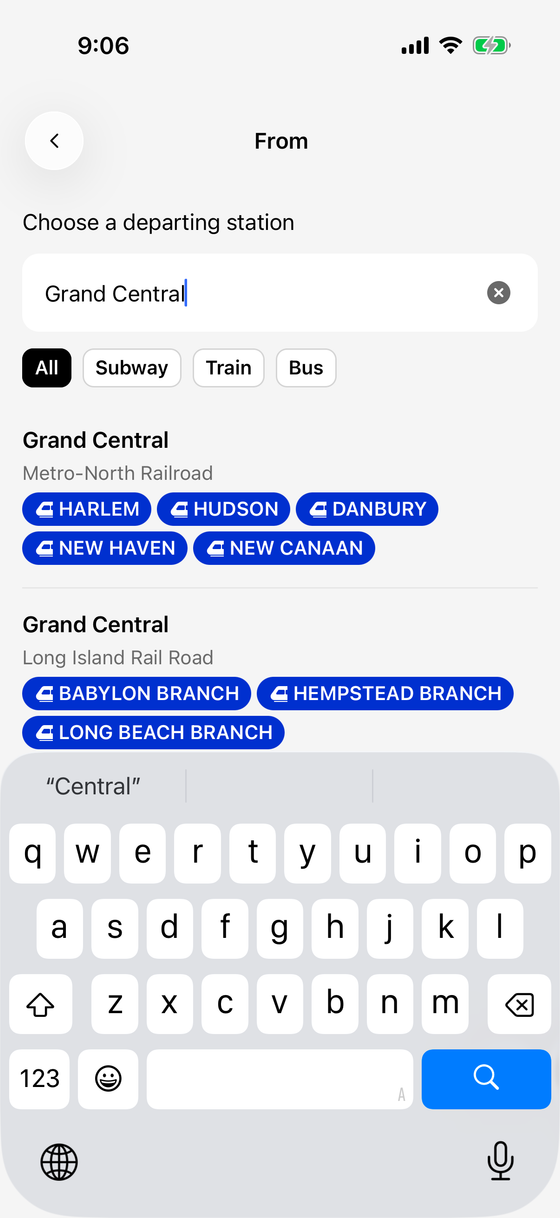
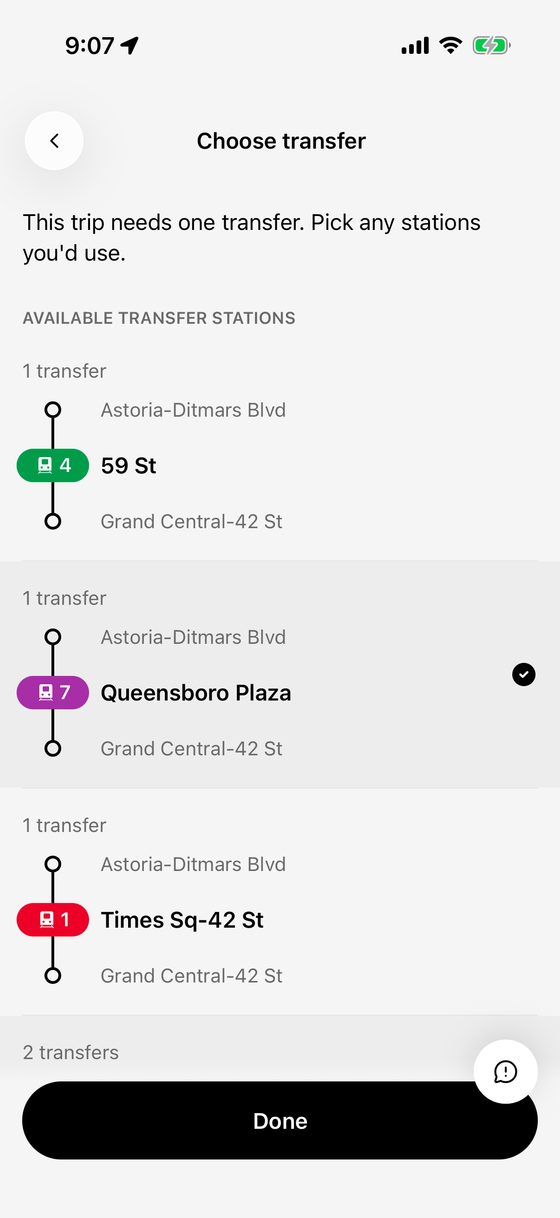
Set when you need to be there. Skiffr suggests the latest departure that should get you there by then, on subway routes.
Delay and service alerts
Turn them on to hear about delays and service changes on your saved subway routes.
Rider reports
Report what you see on your lines, and see what other riders report.
Coming soonInside Skiffr
Help
Which transit does Skiffr cover?
The subway, PATH, NJ Transit and NYC Ferry.
Why am I not getting notifications?
Alerts about delays, departures and when to leave are off until you turn them on in Skiffr's settings. A trip you've started always sends its own alerts, as long as iOS notifications are allowed. The reminder to leave only works on subway routes that have an arrive-by time. Alerts for departures near you need location access set to "Always".
How do I follow my trip on the lock screen?
Tap "Take this trip" on the route you're riding. Skiffr shows it on your lock screen and in the Dynamic Island. It needs location access to start.
Is Skiffr free?
Yes. Skiffr is free to download and use.
Is Skiffr made by the MTA?
No. Skiffr is an independent app that uses public transit data.
Something wrong in the app?
Tap the button in Skiffr. It asks what you expected and what happened, and sends details about your trip, location and device, with a screenshot you can remove, so we can find the problem faster.